
App Help
The Calendar tab is your main screen. It shows the whole month, today's Efficiency Score and fish activity in a single view.
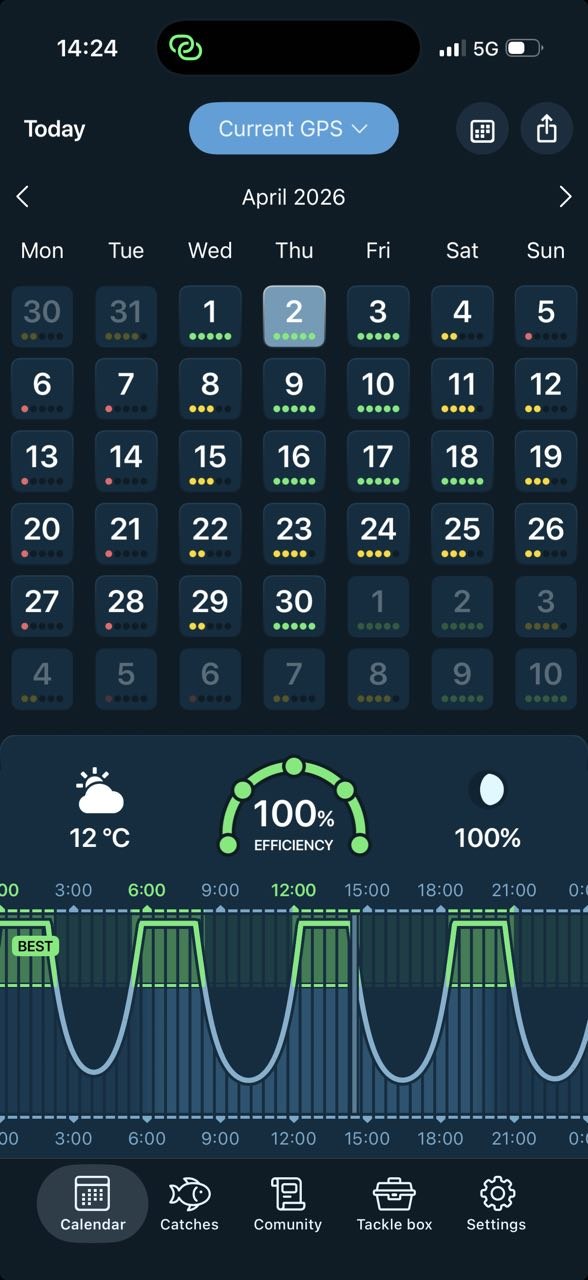
The Efficiency Score is a 0–100% rating of how good the day is for fishing at your location. It's calculated from solunar activity, weather, pressure, tides, moon phase and seasonal trends.
Every day in the monthly grid shows up to 5 dots:
Tap any day to load the full forecast, score, solunar curve, weather and tide data.
Scroll down on the Calendar screen for the detailed forecast — the data that builds your Efficiency Score.
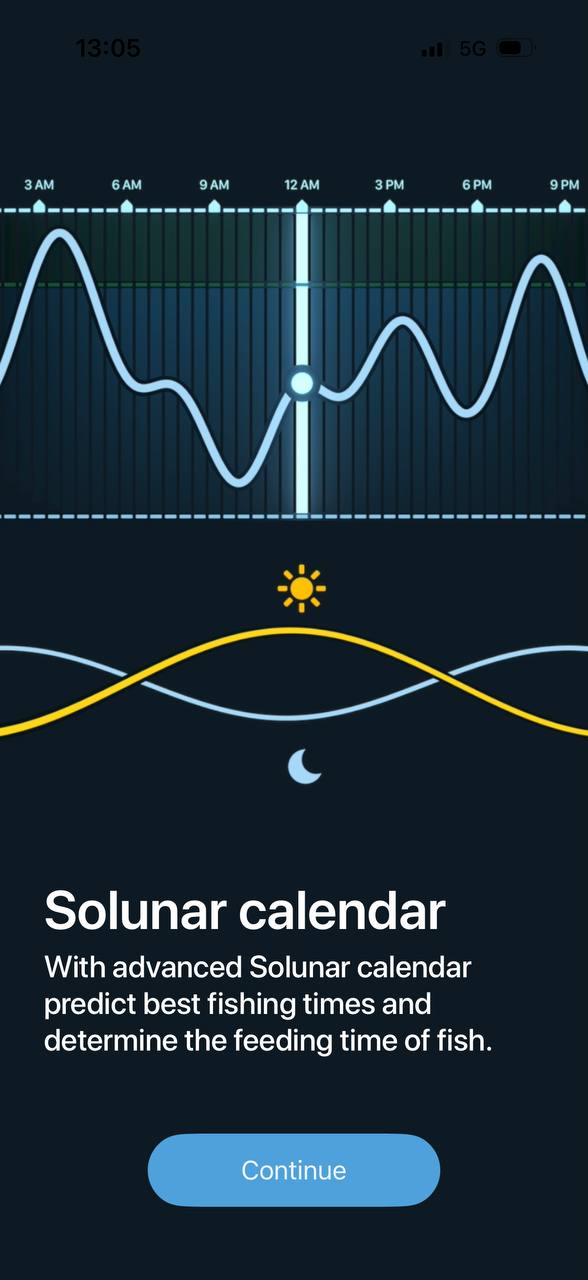
Yellow arc = the sun's path. White arc = the moon's path. The white boxes show sunrise, sunset, moonrise and moonset times.
The bottom curve shows tide height with high and low tide values. Most species feed best on a moving tide — look for the rising or falling sections.
The Catches tab is your private fishing log. Every fish is saved with a photo, measurements, location and conditions.
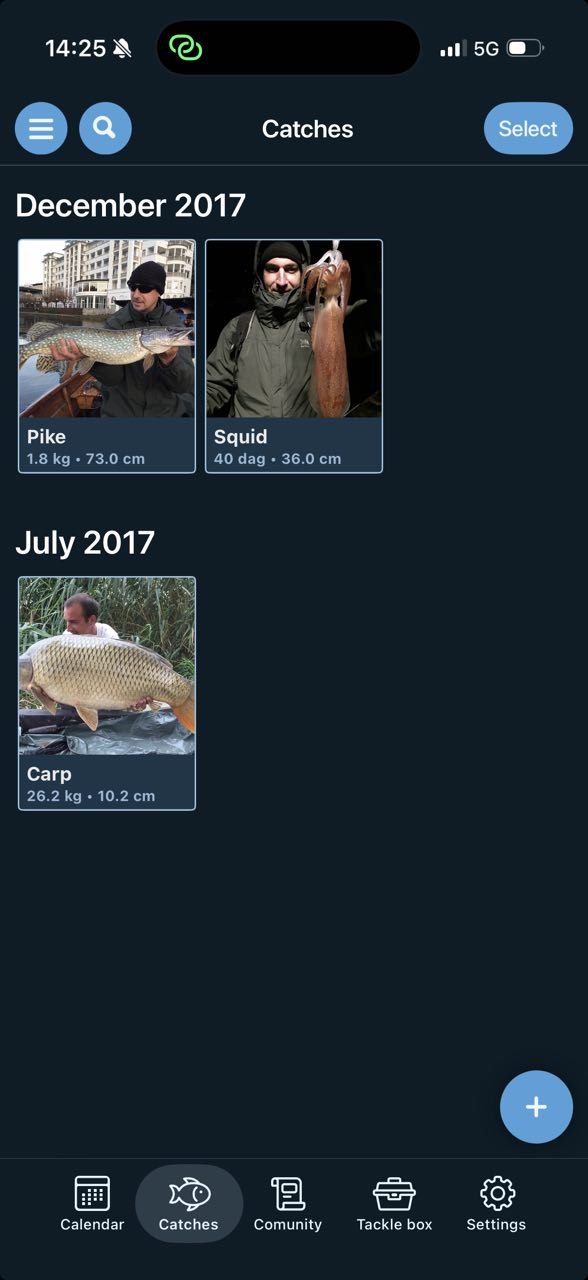
Catches are grouped by month, newest first. Tap a catch to see all its details. Use the search icon to filter by species or location.
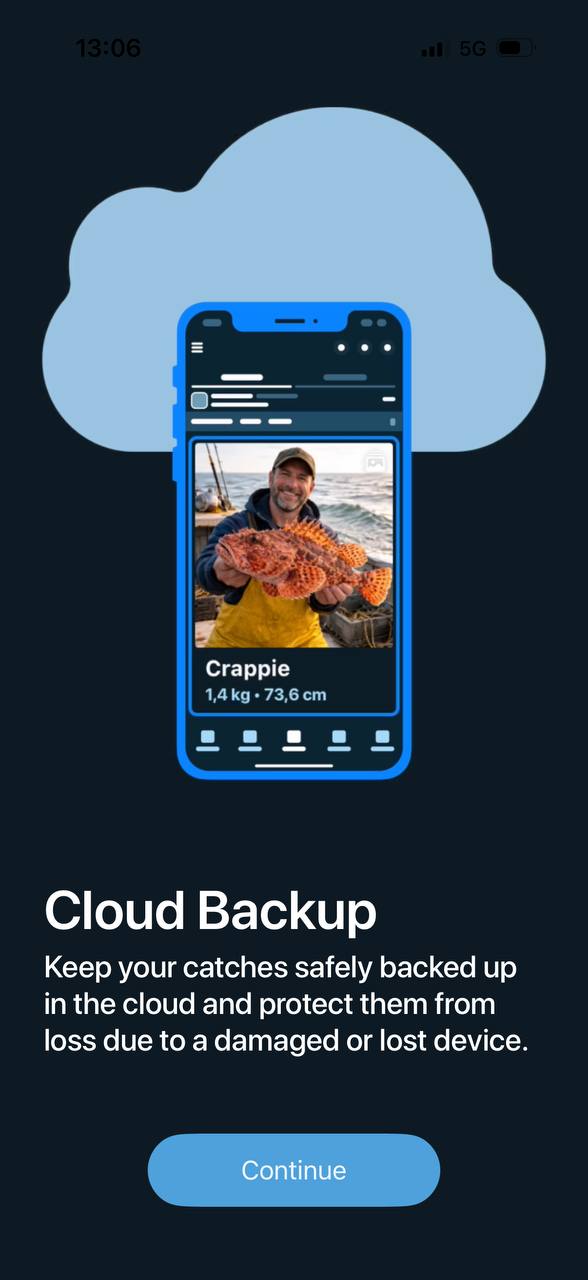
Your catches are backed up to the cloud and linked to your account. Lost your phone? Sign in on a new one and all your catches come back.
The Community tab is where you share catches publicly, follow other anglers and chat with your fishing buddies.
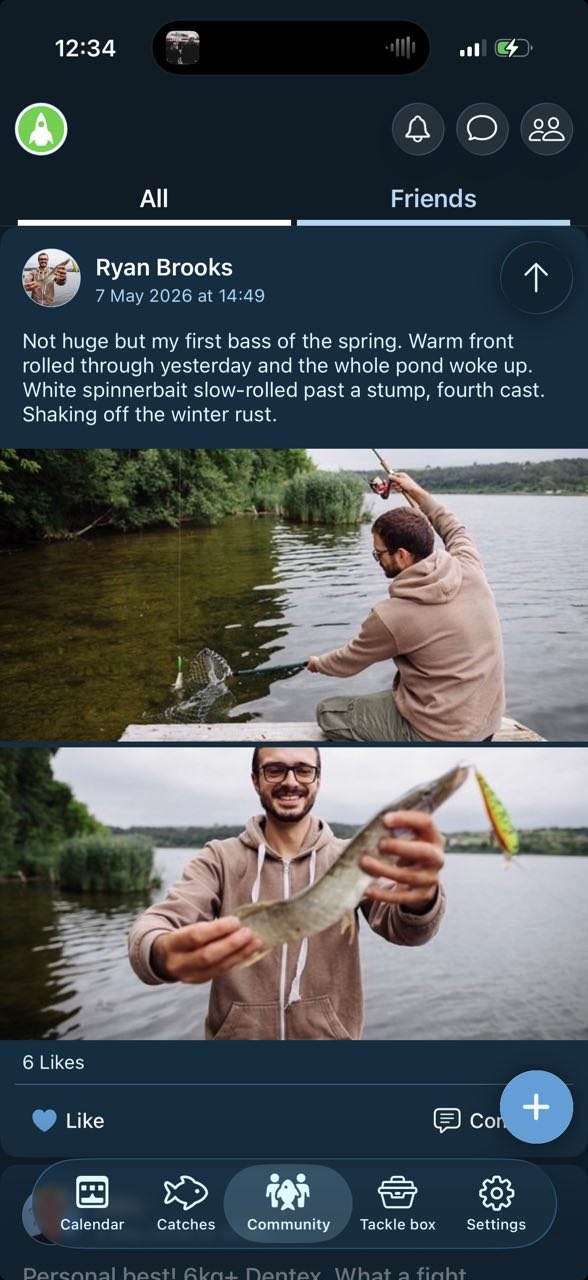
The Tackle Box tab gathers handy tools to use out on the water.
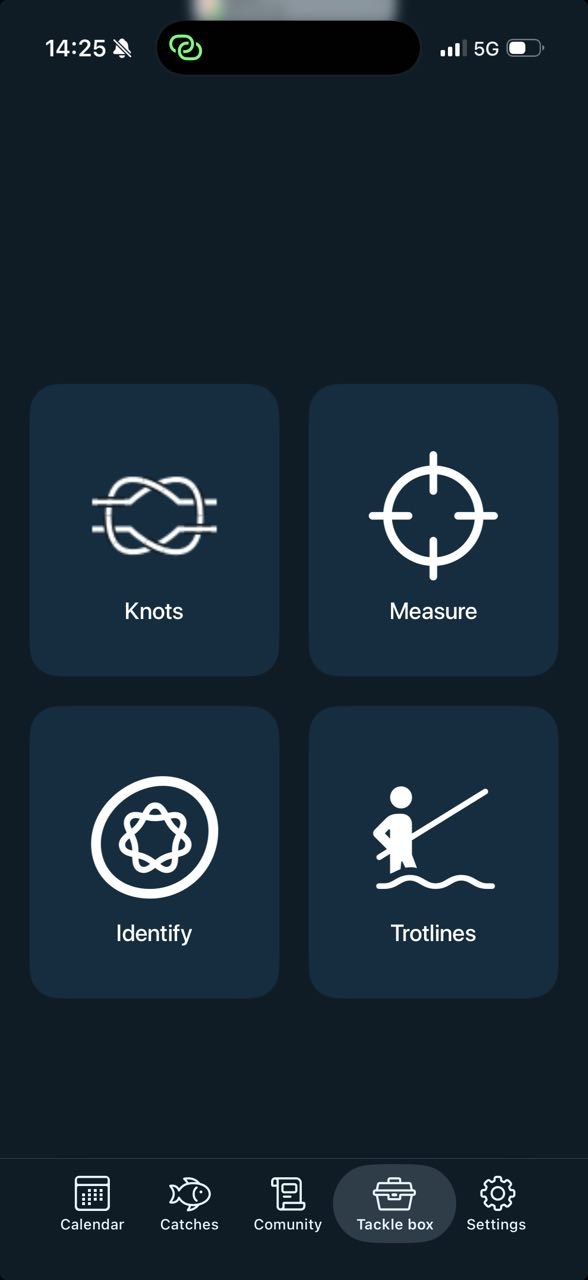
Step-by-step instructions for common fishing knots. Handy when you're tying on a new lure.
Check the length of your catch using your phone's camera as a reference.
Take a photo and the app helps you identify the species.
Plan and manage trotlines — keep track of baited hooks along a long line.
The Settings tab lets you edit your profile, change units, switch the calendar view and pick a theme.
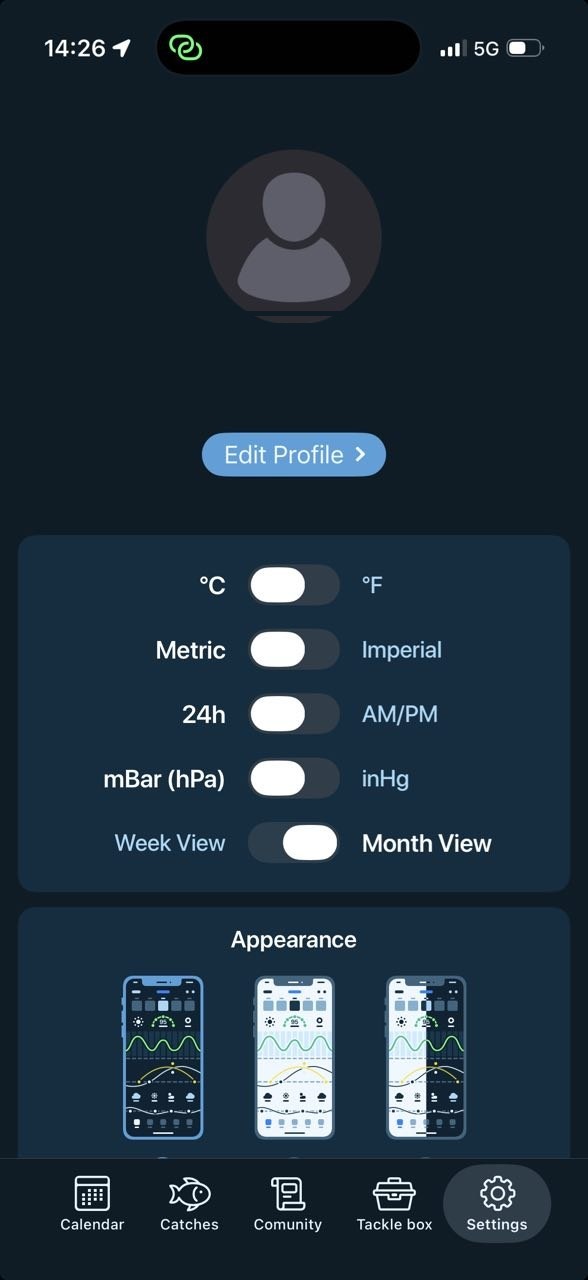
Tap Edit profile to change your name, photo or details. Your profile picture appears next to your posts in the Community.
Choose a dark, light or mixed theme. Saved between sessions.
Premium unlocks the full app — starting with a free trial.
Reinstalled the app or switched phones? Tap Restore purchase at the top of the Premium screen and sign in with the same App Store / Google Play account.
How you cancel depends on whether you subscribed through the App Store or Google Play:
You'll keep Premium access until the end of the billing period you've paid for.
Open your phone's Settings → Privacy → Location Services and allow Fishing Calendar to use your location While Using the App. Then reopen the app and tap the location button at the top of the Calendar.
Pull down on the Calendar to refresh. If it keeps happening, close and reopen the app.
Sign in with the same account. Catches are stored in the cloud, linked to your account. If they still don't appear, contact us.
Fully close the app, restart your phone and update to the latest version. Still happening? Write to us with your phone model and OS version.
Open the Premium screen and tap Restore purchase. Make sure you're signed in with the same store account you used.
Can't find what you're looking for? Send us a message and a real person on our team will get back to you.
Contact Support